4.2. Routes -> Map
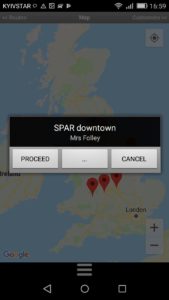
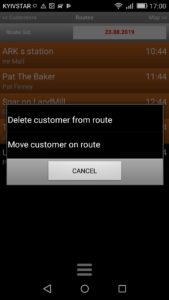
Also the route list can be built from the map, such route construction is convenient for the “Optimal route”. When we choose a nearby contractor. To add, we press on the plotted point until a window appears in which we can find an information about the contractor (the information corresponds to the lines that we pointed when setting up the list in p. 2.1.1.)
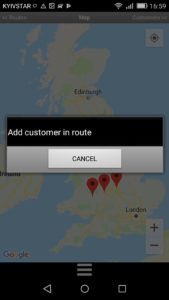
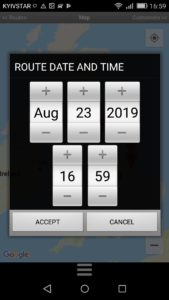
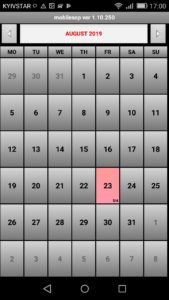
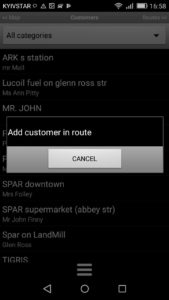
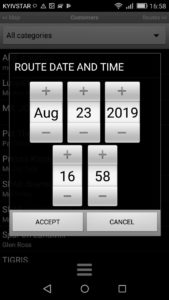
To add a contractor to the route, click the button  until the window “Add contractor to the route” appears and click on this inscription. Then a calendar will appear in which you need to select the appropriate date and time of the visit. (Fig. 4.2.)
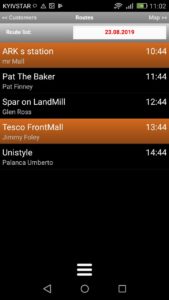
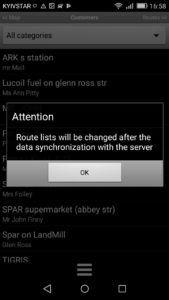
Attention! The contractor will be displayed in the route only after passing the synchronization with the “Update data” server in p.2.4
When you click the button , you will be taken to the contractor card.